Selfishnet V0.1 Beta Jun 2026
Selfishnet V0.1 Beta Jun 2026
Selfishnet V0.1 Beta Jun 2026


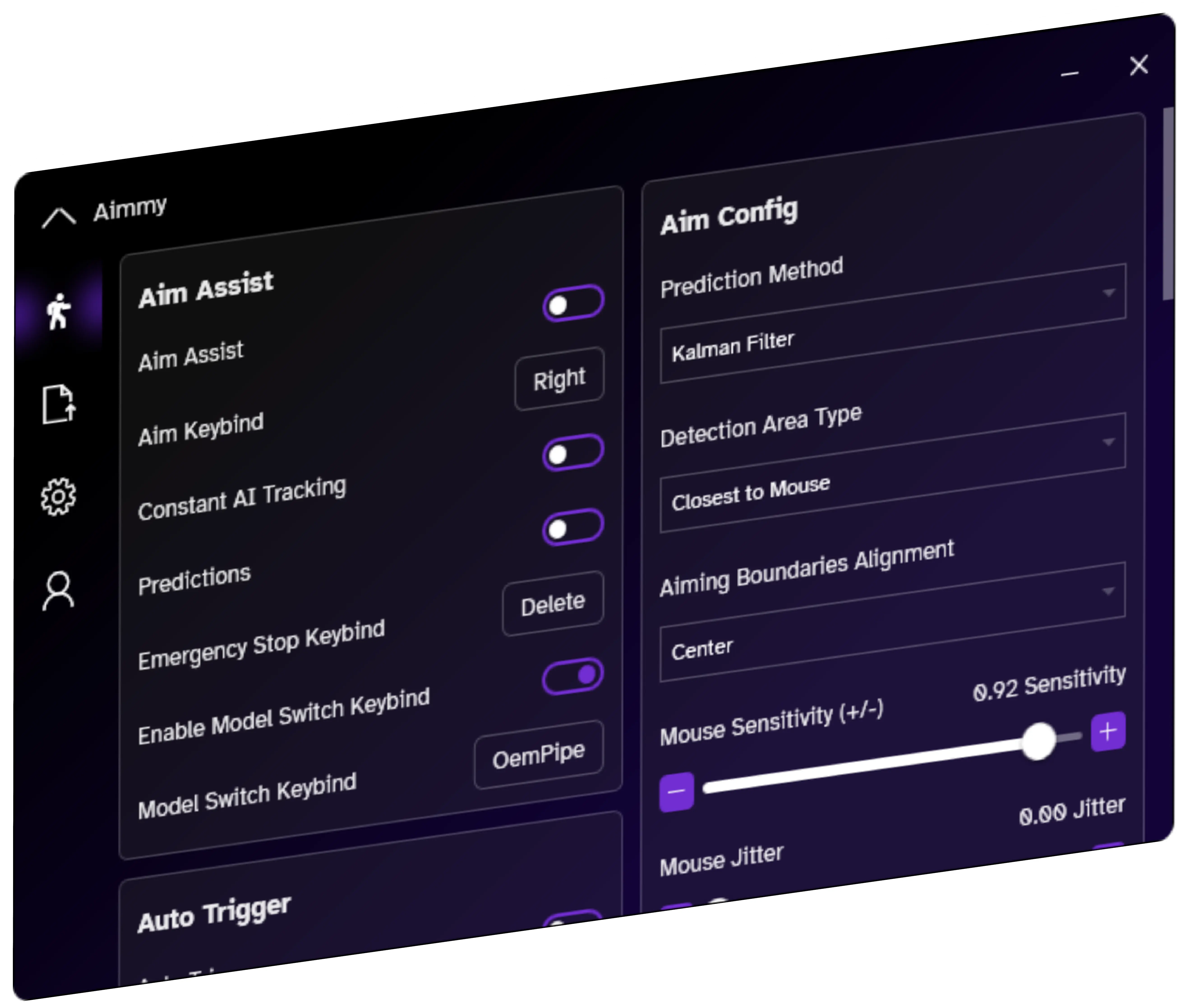
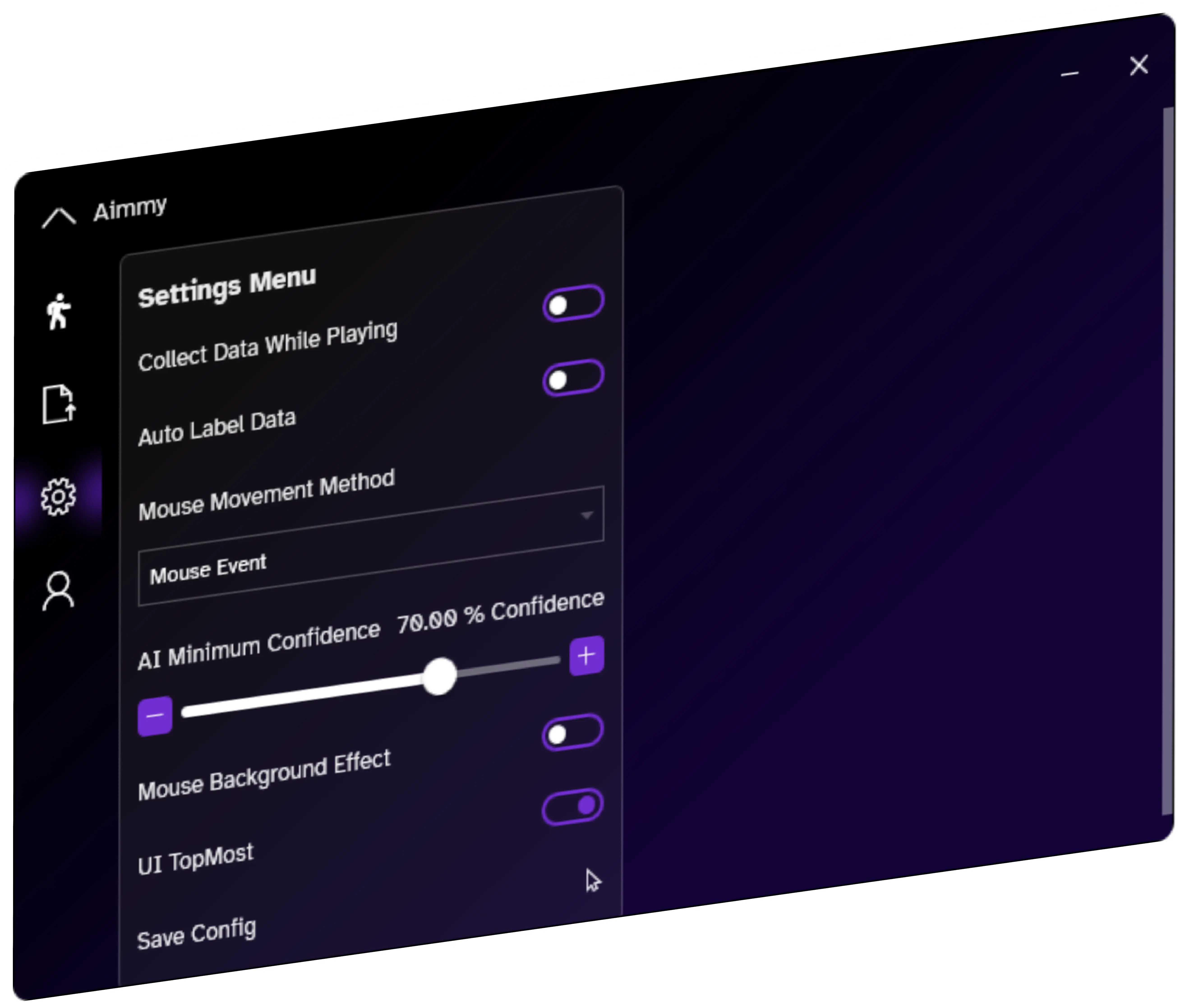
Aimmy contains over 40+ unique ways to tune your aiming, ranging from tweaks to Aim Positioning, to full features like Anti-Recoil and Detection ESP.
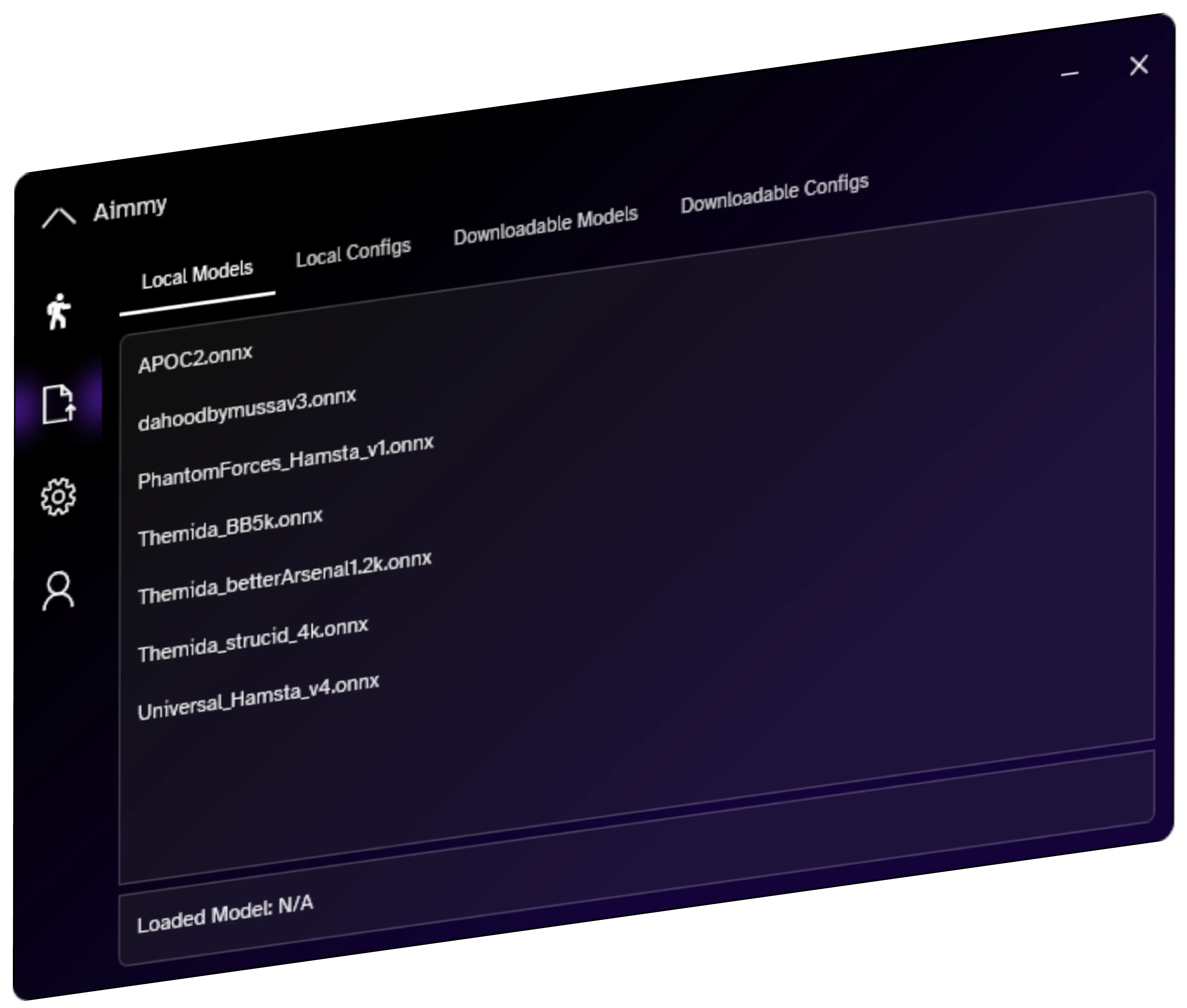
Utilizing Github Repositories, Aimmy allows you to upload models and configs into our store, and we even allow you to store repositories too!
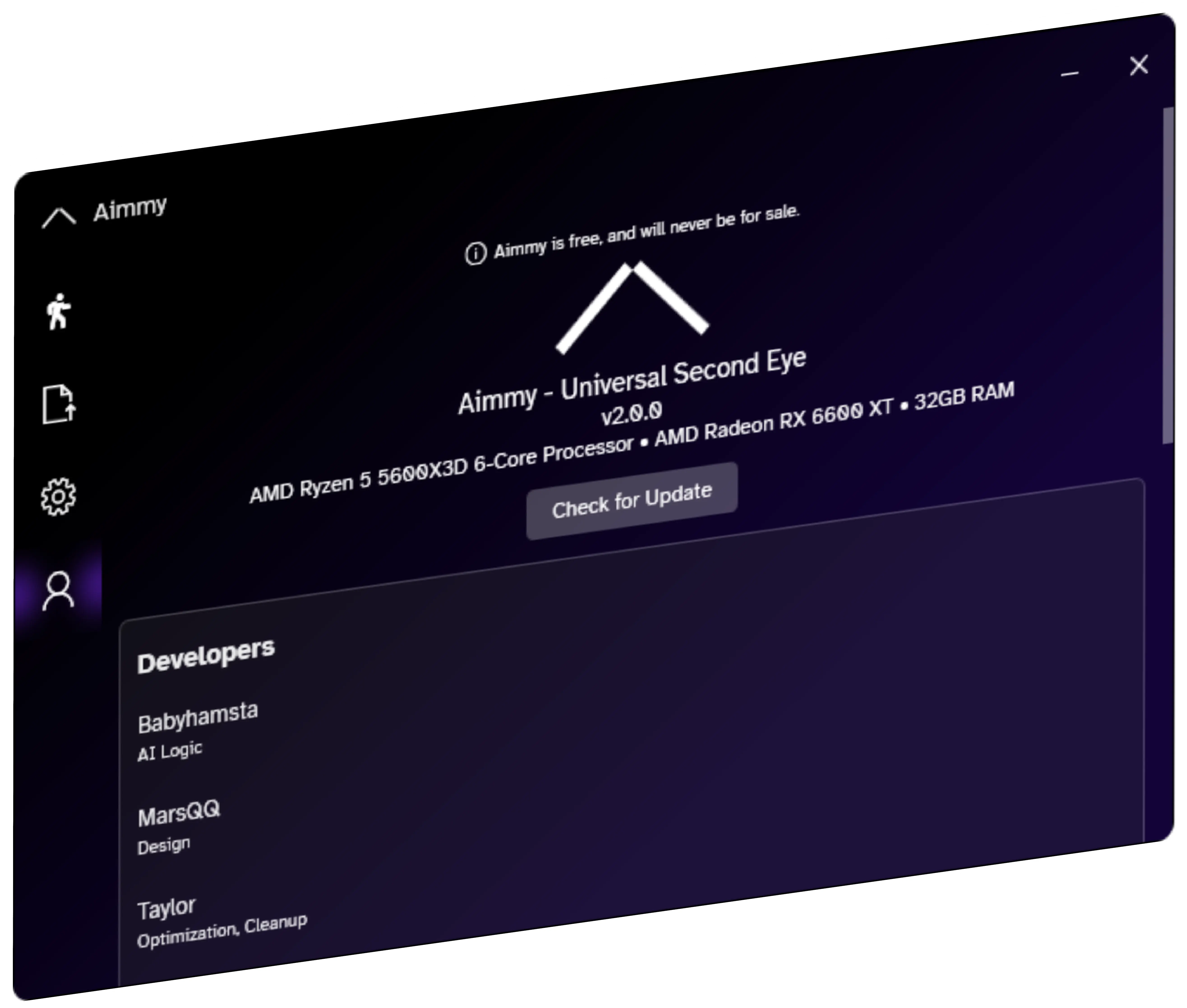
Aimmy provides constant, free OTA updates with a click of a button. All you have to do is press "Check for Update" and Aimmy will be updated!
Even in its earliest beta form, Selfishnet provided a suite of functions that formed its core appeal:
Selfishnet v0.1 Beta is a portable Windows utility that uses ARP spoofing to intercept, throttle, or block the bandwidth of other devices connected to a local network. It requires WinPcap drivers, administrator privileges, and is often flagged by security software due to its methods. For a demonstration of the setup process, view the video at YouTube .
Click the "Lightning" icon to start the ARP spoofing process.
You will see columns labeled , IP , MAC , Download , Upload , and Block .
Selfishnet v0.1 Beta is a lightweight, portable network utility designed for Windows-based systems to provide granular control over LAN traffic. By utilizing the WinPcap library , the software enables administrators to discover connected devices and manually throttle or block their upload and download speeds. This paper outlines its architectural dependencies, core functionality, and operational requirements. 2. Technical Prerequisites selfishnet v0.1 beta
Today, it serves as a time capsule—a reminder that before cloud services and mesh networking, the greatest threat to your download speed wasn't the ISP, but the guy in the dorm room next door running a green-text beta program he found on a forum.
Consequently, all internet traffic from those devices passes through your computer first before reaching the actual router. Because the data flows through your machine, SelfishNet can actively throttle (limit) the download/upload speeds or drop the packets entirely (blocking the internet). Key Features of SelfishNet v0.1 Beta
The tool scans the LAN to identify the IP and MAC addresses of all connected hosts. Packet Interception:
Detects every smartphone, PC, gaming console, and smart device currently connected to your Wi-Fi or Ethernet network. Even in its earliest beta form, Selfishnet provided
Must be executed with Administrative privileges to manipulate the local ARP table and send forged packets. 3. Operational Mechanism: ARP Spoofing The core functionality of SelfishNet relies on ARP Spoofing (also known as ARP poisoning): Network Discovery:
Whether you view it as a hero for reclaiming a lag-filled connection or a villain for its ability to block others, Selfishnet was a pioneer. For those exploring network fundamentals, it serves as a practical, if crude, introduction to concepts like ARP spoofing and bandwidth shaping. While more modern and reliable options are now available, Selfishnet remains a notable and powerful example of what can be accomplished with a few hundred kilobytes and deep knowledge of how local networks communicate. For anyone who values control over their internet experience, understanding what Selfishnet does is a glimpse into the very foundation of how data flows in our connected world.
SelfishNet requires the driver to capture and inject network packets. Most modern versions of Windows also require you to run the program in Compatibility Mode (Windows XP or Windows 7) and as an Administrator . 2. Execution Download and extract the SelfishNet folder. Install WinPcap (if not already installed). Right-click SelfishNet.exe and select Run as Administrator .
SelfishNet v0.1 Beta is built on a specific stack of Windows-centric utilities: Operating System: Compatible with Windows 7, 8, 10, and 11. Driver Dependency: Click the "Lightning" icon to start the ARP spoofing process
SelfishNet v0.1 beta was never a polished product. It was buggy, easy to detect, and legally hazardous. But it was also . For an entire generation of system administrators and penetration testers, clicking that “Kick” button or watching a neighbor’s images turn into memes was the spark that led to a career.
Features a dedicated "Block" checkbox next to every device. Ticking this box immediately severs that device's internet connection while keeping them connected to the local Wi-Fi network.
Using SelfishNet on your own private network that you own and administer is generally within your rights. However, the use of ARP spoofing to intercept or manipulate network traffic on any network you do not own (e.g., a public Wi-Fi in a coffee shop, a school's network, or a workplace) is almost certainly and could constitute a serious cybercrime.
| Feature Category | Specific Information | | :--- | :--- | | | SelfishNet v0.1 Beta | | Primary Purpose | Network monitoring and bandwidth control tool | | Core Technology | ARP Spoofing/Poisoning | | Supported OS | Windows XP, Vista, 7, 8, 10, and 11 | | Key Capabilities | Device Discovery, Real-time Monitoring, Speed Limiting (Download/Upload), Device Blocking | | Requirements | WinPcap Driver, Administrator Privileges | | Development Status | Discontinued / Unmaintained | | Legacy Version Executable | SelfishNetv0.2-beta_vista.exe |
"As a professional gamer, precision is everything. Aimmy has been a game-changer for me. Its adaptive AI enhances my gameplay, making it smoother and more accessible. I've seen a significant improvement in my accuracy and speed."
"Aimmy isn't just a tool; it's a step towards inclusivity in gaming. Its customizable features empower gamers of all abilities. I've recommended it to many in the accessibility community, and the feedback has been overwhelmingly positive."
"I love gaming, but sometimes the fast-paced action gets tough. Aimmy's assistive options have made my gaming sessions a lot more enjoyable. It adjusts to my pace and style, ensuring I can keep up without feeling overwhelmed."
"Esports demands precision and skill. Aimmy's AI-driven assistance doesn't compromise that; instead, it enhances my abilities, giving me an edge in competitive gaming. It's become an indispensable part of my training routine."
"Finding tools that help my child fully engage in gaming has been a challenge. Aimmy's thoughtful design and diverse accessibility options have made gaming a delightful experience for my child. Thank you for creating something so impactful!"
"Aimmy isn't just beneficial during gameplay; it's a game-changer for content creation too. Its assistive features allow me to focus more on engaging with my audience while ensuring a high level of gameplay."
Even in its earliest beta form, Selfishnet provided a suite of functions that formed its core appeal:
Selfishnet v0.1 Beta is a portable Windows utility that uses ARP spoofing to intercept, throttle, or block the bandwidth of other devices connected to a local network. It requires WinPcap drivers, administrator privileges, and is often flagged by security software due to its methods. For a demonstration of the setup process, view the video at YouTube .
Click the "Lightning" icon to start the ARP spoofing process.
You will see columns labeled , IP , MAC , Download , Upload , and Block .
Selfishnet v0.1 Beta is a lightweight, portable network utility designed for Windows-based systems to provide granular control over LAN traffic. By utilizing the WinPcap library , the software enables administrators to discover connected devices and manually throttle or block their upload and download speeds. This paper outlines its architectural dependencies, core functionality, and operational requirements. 2. Technical Prerequisites
Today, it serves as a time capsule—a reminder that before cloud services and mesh networking, the greatest threat to your download speed wasn't the ISP, but the guy in the dorm room next door running a green-text beta program he found on a forum.
Consequently, all internet traffic from those devices passes through your computer first before reaching the actual router. Because the data flows through your machine, SelfishNet can actively throttle (limit) the download/upload speeds or drop the packets entirely (blocking the internet). Key Features of SelfishNet v0.1 Beta
The tool scans the LAN to identify the IP and MAC addresses of all connected hosts. Packet Interception:
Detects every smartphone, PC, gaming console, and smart device currently connected to your Wi-Fi or Ethernet network.
Must be executed with Administrative privileges to manipulate the local ARP table and send forged packets. 3. Operational Mechanism: ARP Spoofing The core functionality of SelfishNet relies on ARP Spoofing (also known as ARP poisoning): Network Discovery:
Whether you view it as a hero for reclaiming a lag-filled connection or a villain for its ability to block others, Selfishnet was a pioneer. For those exploring network fundamentals, it serves as a practical, if crude, introduction to concepts like ARP spoofing and bandwidth shaping. While more modern and reliable options are now available, Selfishnet remains a notable and powerful example of what can be accomplished with a few hundred kilobytes and deep knowledge of how local networks communicate. For anyone who values control over their internet experience, understanding what Selfishnet does is a glimpse into the very foundation of how data flows in our connected world.
SelfishNet requires the driver to capture and inject network packets. Most modern versions of Windows also require you to run the program in Compatibility Mode (Windows XP or Windows 7) and as an Administrator . 2. Execution Download and extract the SelfishNet folder. Install WinPcap (if not already installed). Right-click SelfishNet.exe and select Run as Administrator .
SelfishNet v0.1 Beta is built on a specific stack of Windows-centric utilities: Operating System: Compatible with Windows 7, 8, 10, and 11. Driver Dependency:
SelfishNet v0.1 beta was never a polished product. It was buggy, easy to detect, and legally hazardous. But it was also . For an entire generation of system administrators and penetration testers, clicking that “Kick” button or watching a neighbor’s images turn into memes was the spark that led to a career.
Features a dedicated "Block" checkbox next to every device. Ticking this box immediately severs that device's internet connection while keeping them connected to the local Wi-Fi network.
Using SelfishNet on your own private network that you own and administer is generally within your rights. However, the use of ARP spoofing to intercept or manipulate network traffic on any network you do not own (e.g., a public Wi-Fi in a coffee shop, a school's network, or a workplace) is almost certainly and could constitute a serious cybercrime.
| Feature Category | Specific Information | | :--- | :--- | | | SelfishNet v0.1 Beta | | Primary Purpose | Network monitoring and bandwidth control tool | | Core Technology | ARP Spoofing/Poisoning | | Supported OS | Windows XP, Vista, 7, 8, 10, and 11 | | Key Capabilities | Device Discovery, Real-time Monitoring, Speed Limiting (Download/Upload), Device Blocking | | Requirements | WinPcap Driver, Administrator Privileges | | Development Status | Discontinued / Unmaintained | | Legacy Version Executable | SelfishNetv0.2-beta_vista.exe |